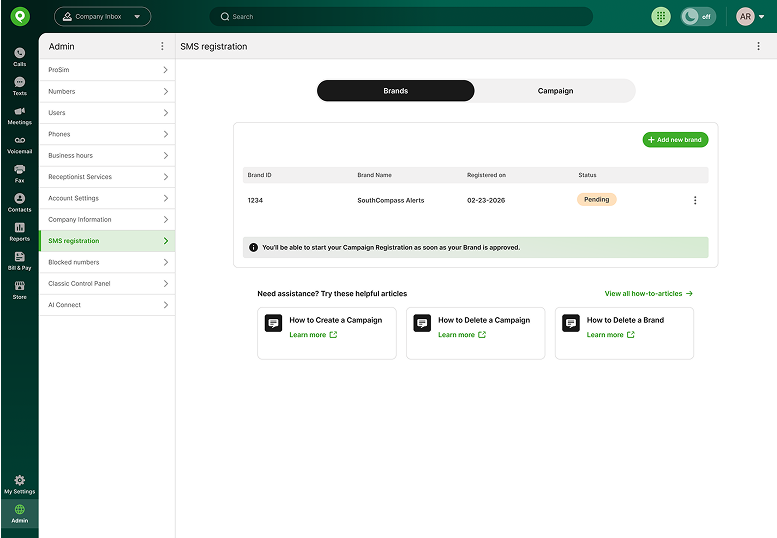
Pending-Review
After submitting your Brand, the status will appear as “Pending” during review. Status updates are expected to be completed within approximately 30 minutes.
Users will not be able to edit Brands while they are in a “Pending” status, but they will be able to review it.
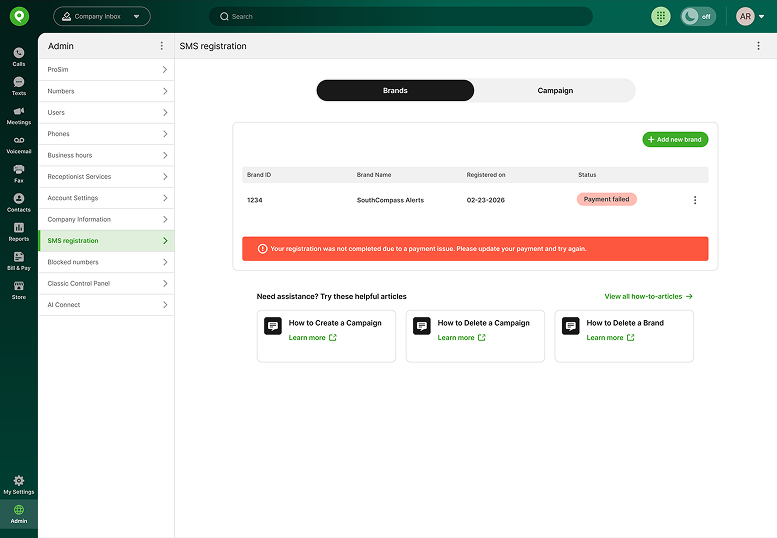
Payment Failed
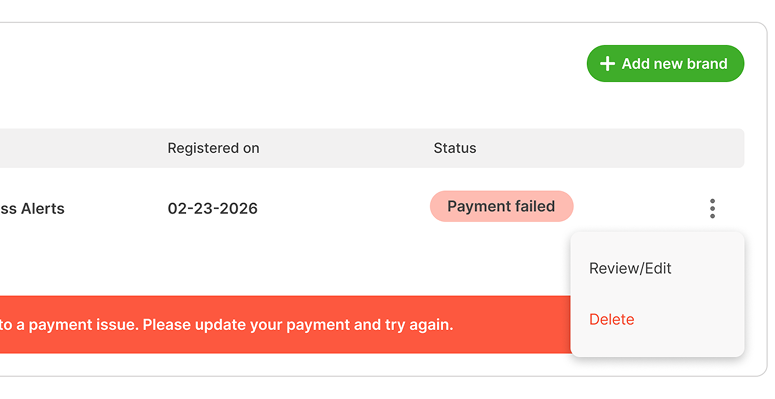
If your Brand Payment Failed, update your method of payment and then register again.
Navigate to Bill and Pay, update your credit information, and submit your payment.
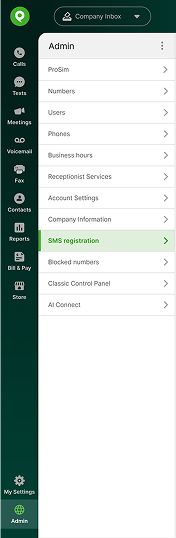
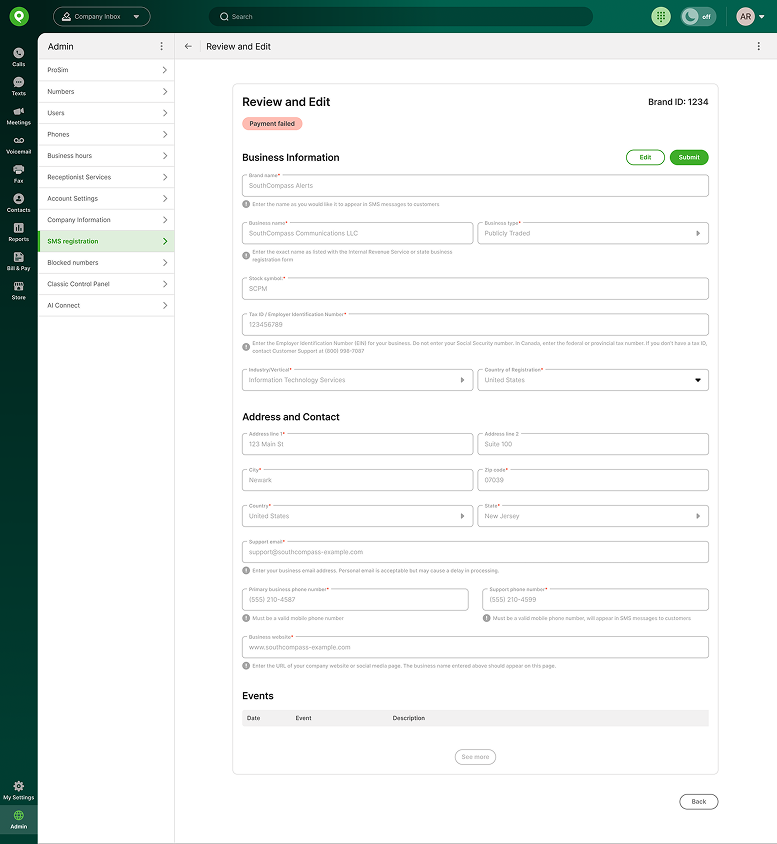
Return to the SMS registration, select Review/Edit page and submit your Brand registration again.
Rejected Status
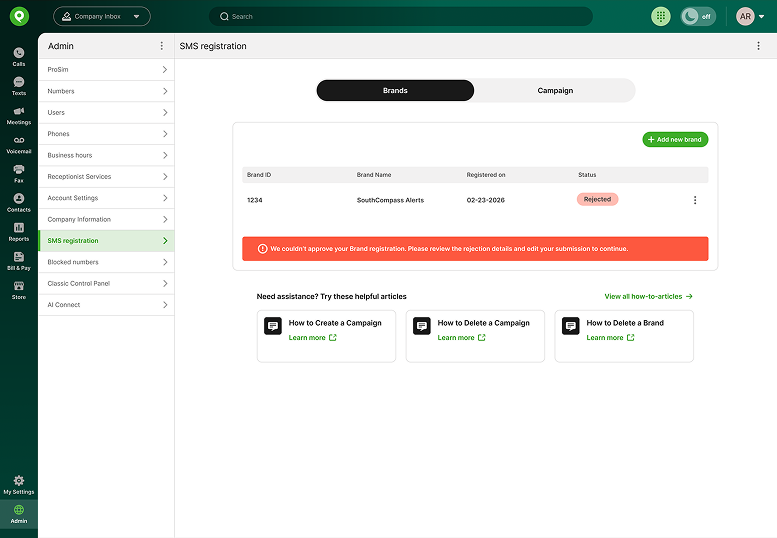
If your Brand’s status is “Rejected,” the third party entity has rejected your submission. This is almost always because the legal name entered does not match the IRS EIN or Canada Business Number exactly. You will need to find the correct legal name and register again.
If your Brand is rejected, you can edit and resubmit. Navigate to the overflow menu on the right of your brand. Select “Review/Edit.”
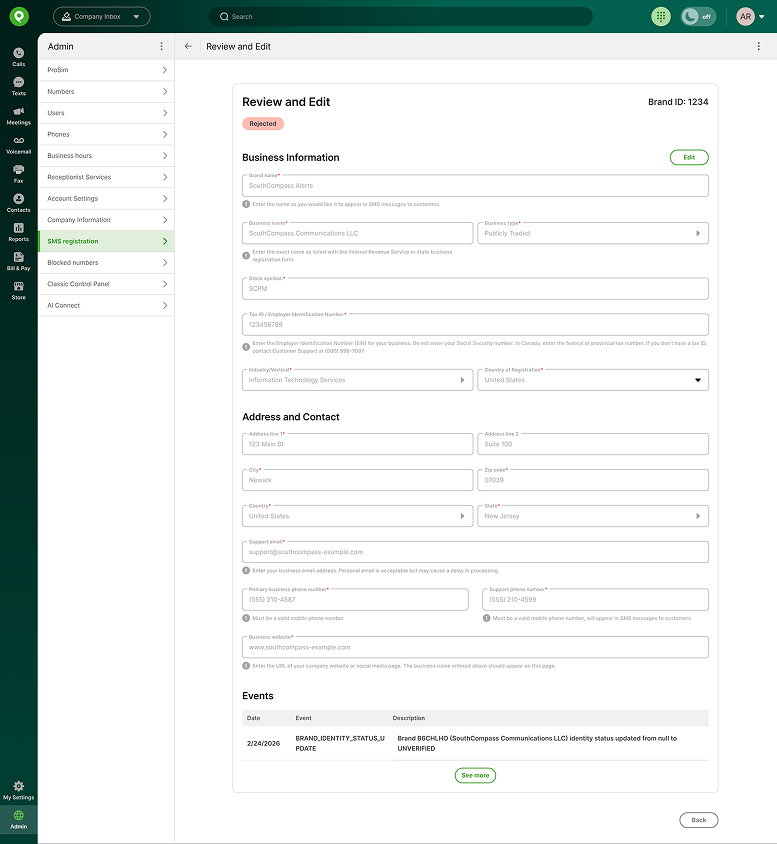
You can find the reason for your rejection at the bottom of the review page under “Events.”
After selecting “Review/Edit,” click the “Edit” button on the top-right corner. The “Edit” button will be enabled only if the Brand has been rejected.
You can update your submission and resubmit your request after confirming all details are accurate and payment is complete.
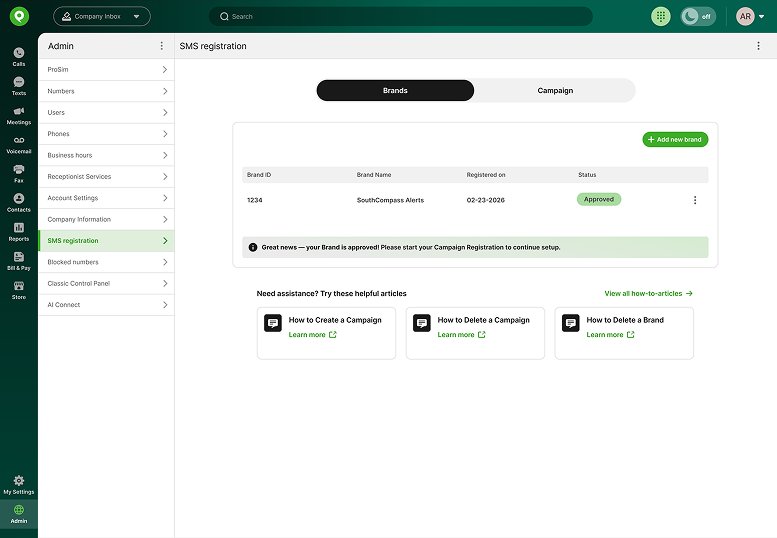
Approved Status
If your Brand status is “Approved,” you can move on to Campaign registration. Campaign registration is necessary even for conversational text messaging. You will not be able to register for a campaign until your Brand is approved.